
How to fill in the application form?
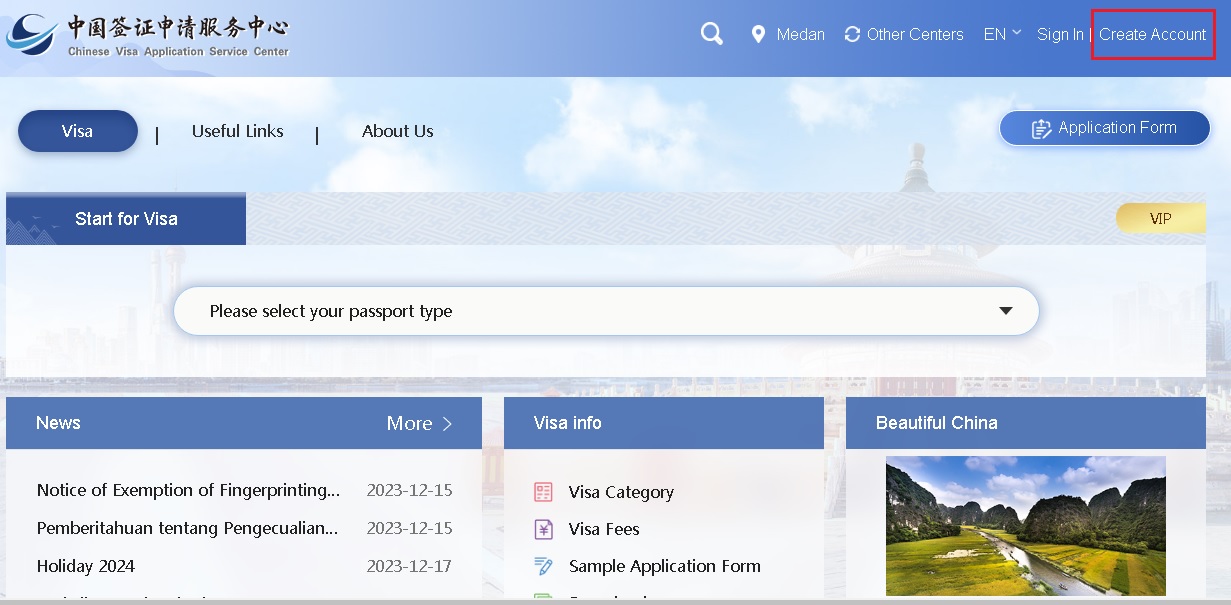
To fill in application form,you should create account first.Click “create account” .
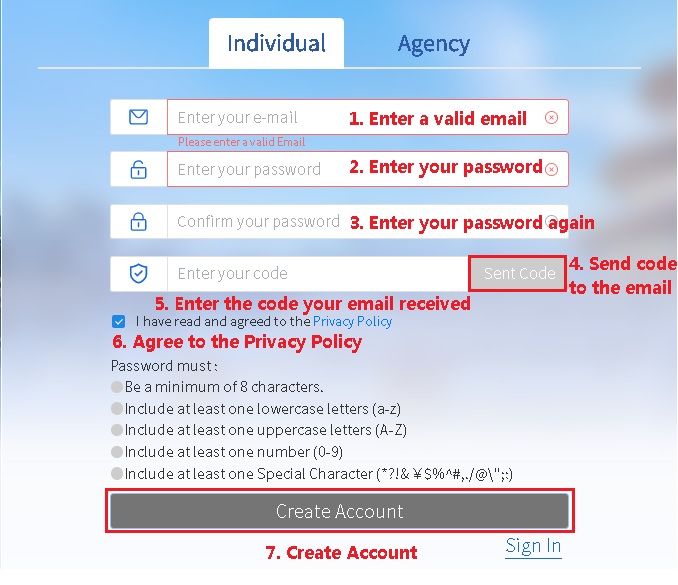
Click “Individual”,Enter the following information to create account.
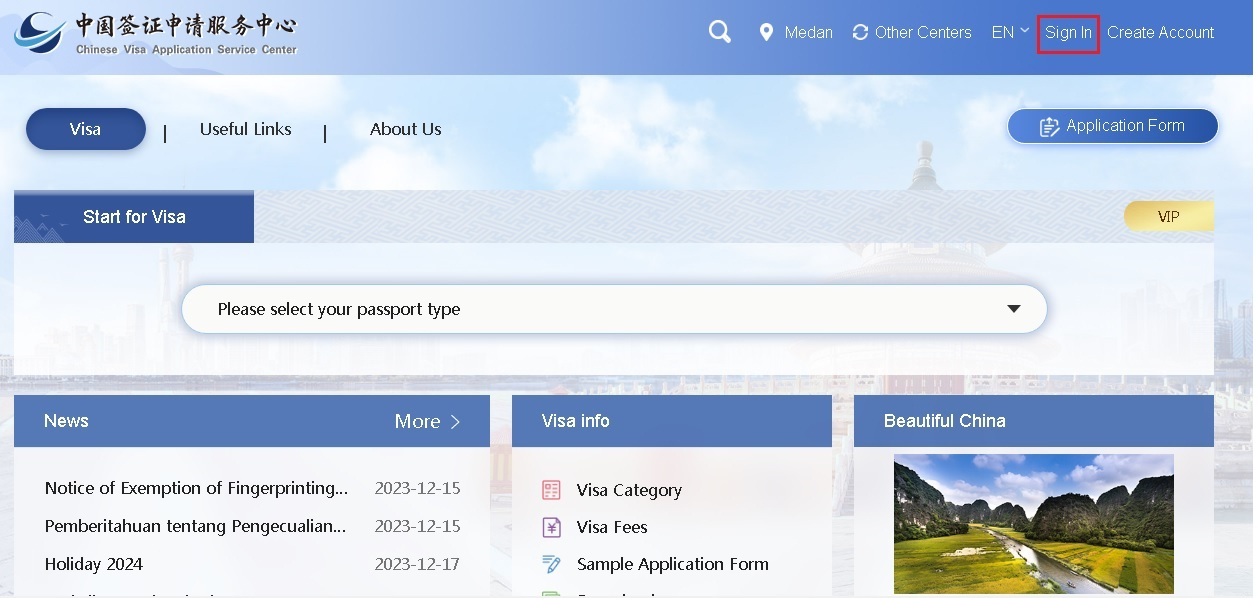
Click “Sign In”.
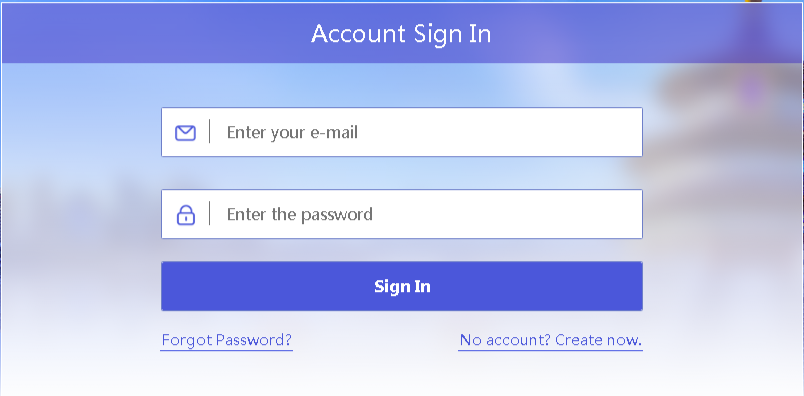
Enter your email and password,click “Sign In”.
slide to verify to complete the captcha

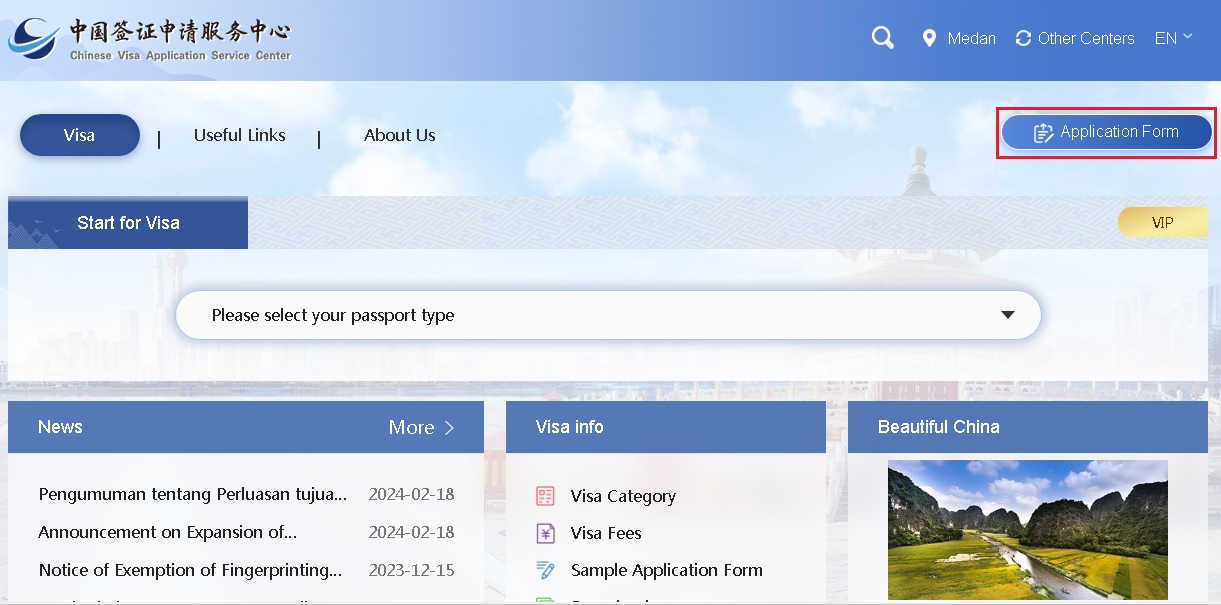
Click “Application Form” to fill in your application form.
Attention:
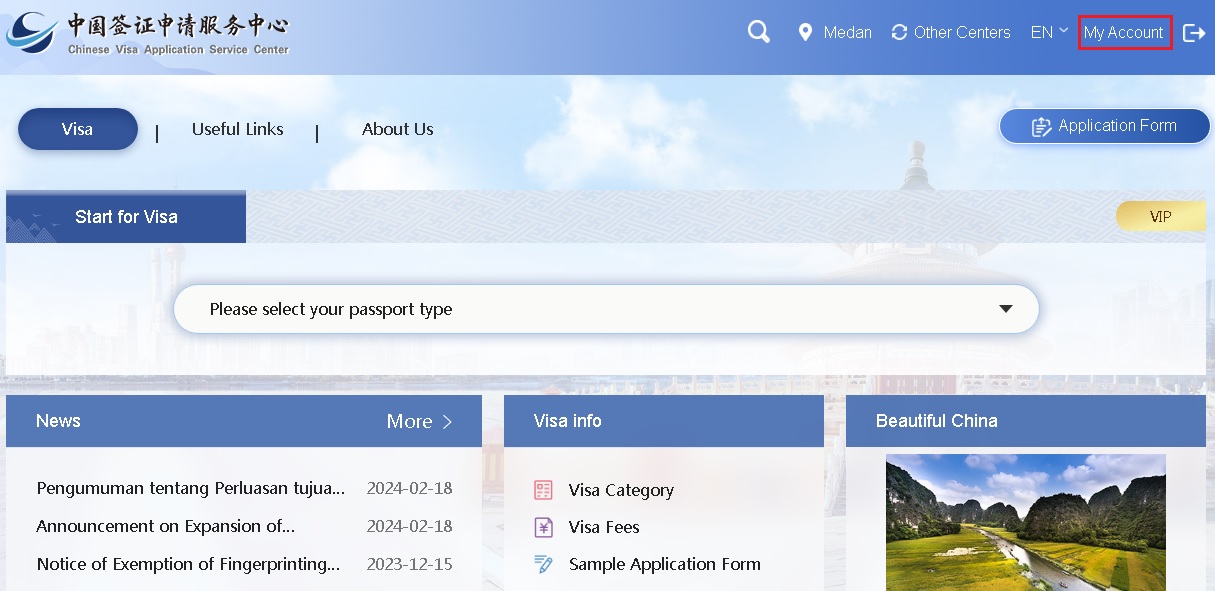
You need to sign in to manage your application form or your account. After sign in,click “MyAccount” .
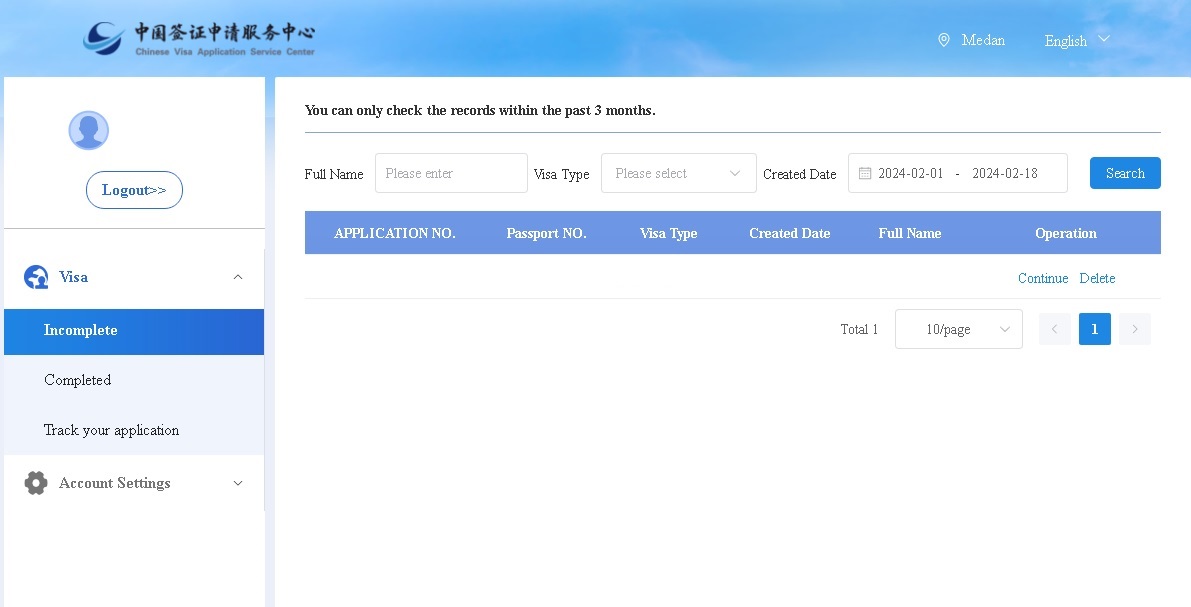
Click “Visa”->“Incomplete” to Continue or delete your incomplete application form.
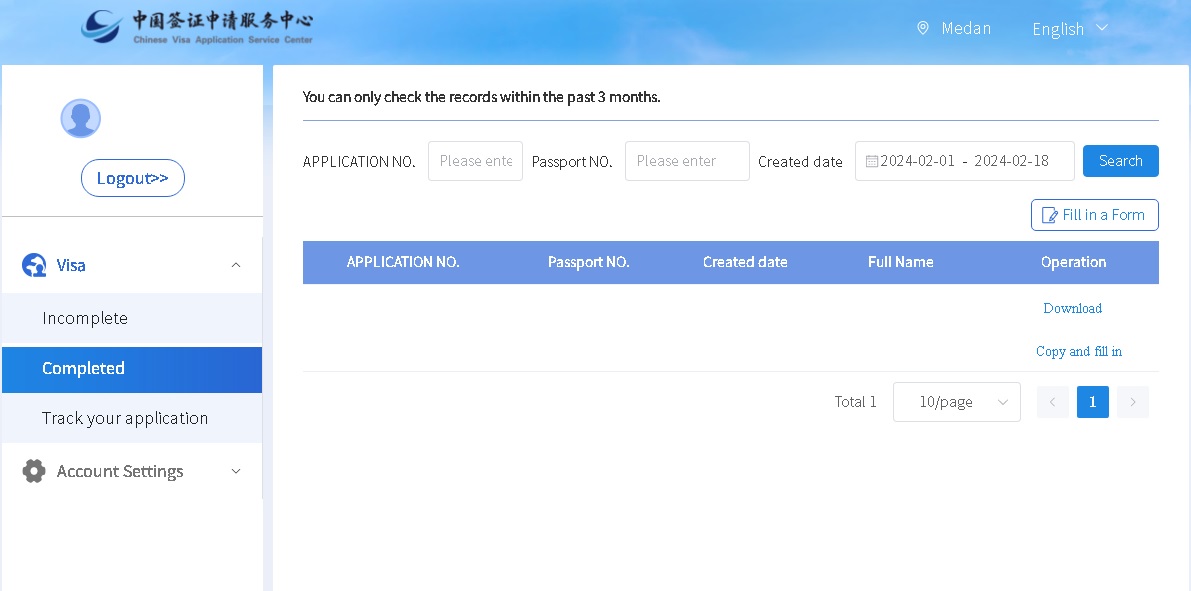
Click “Visa”->“Completed” to download your completed application form、copy your completed application form and fill in a new one.
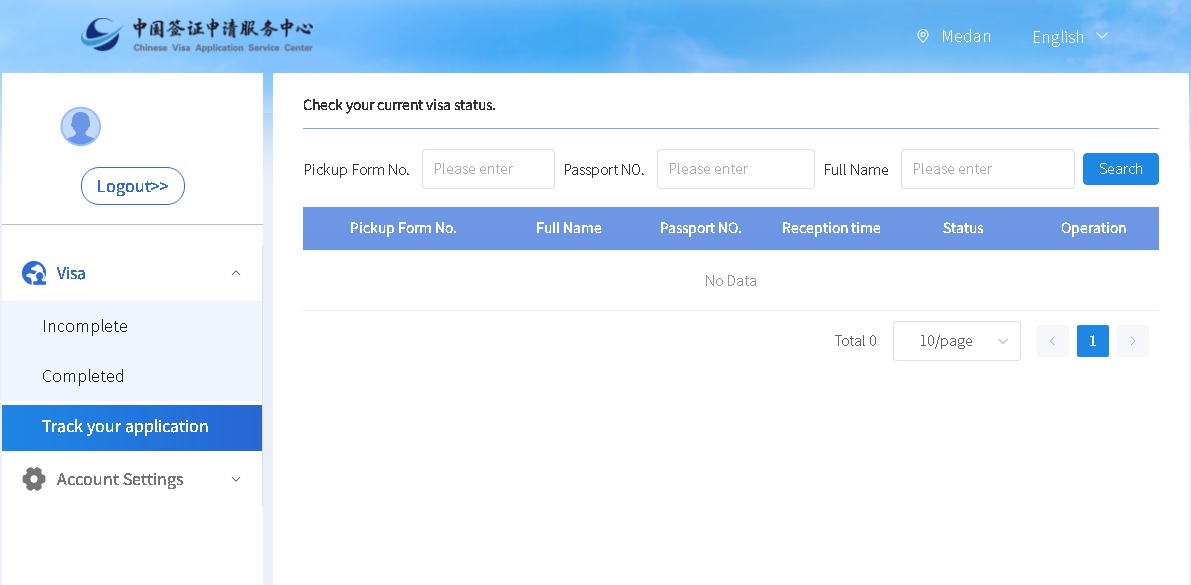
Click “Visa”->“Track your application” to Check your current visa status.
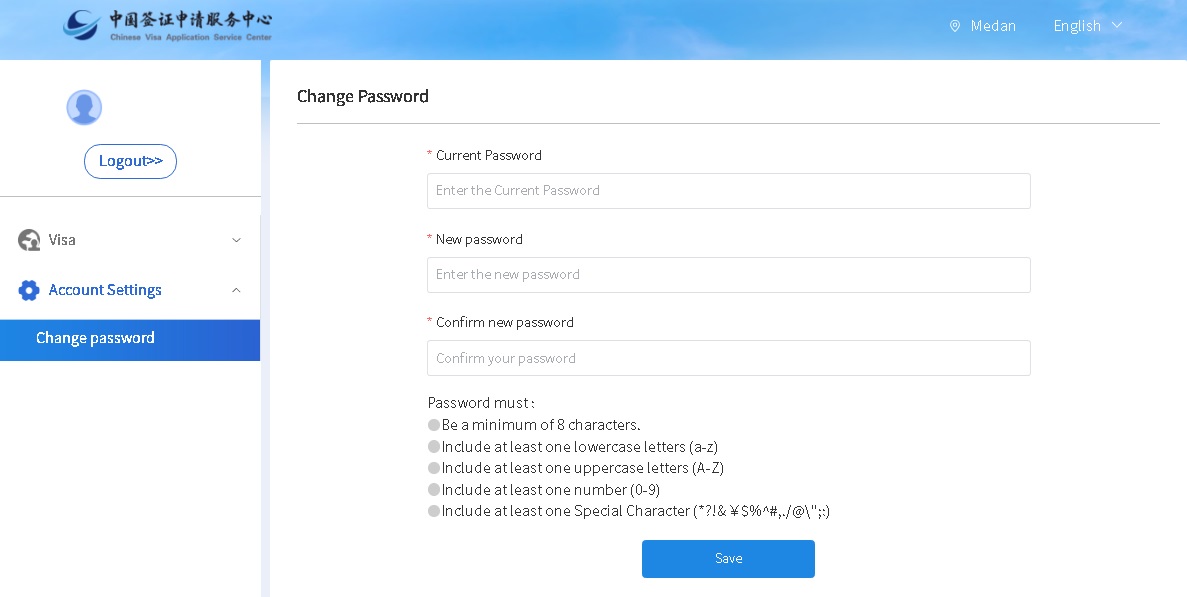
Click “Account settings”->“change password” to change your password.
If you have any question,please contact us.
Contact information:
E-mail: klcentre@visaforchina.org